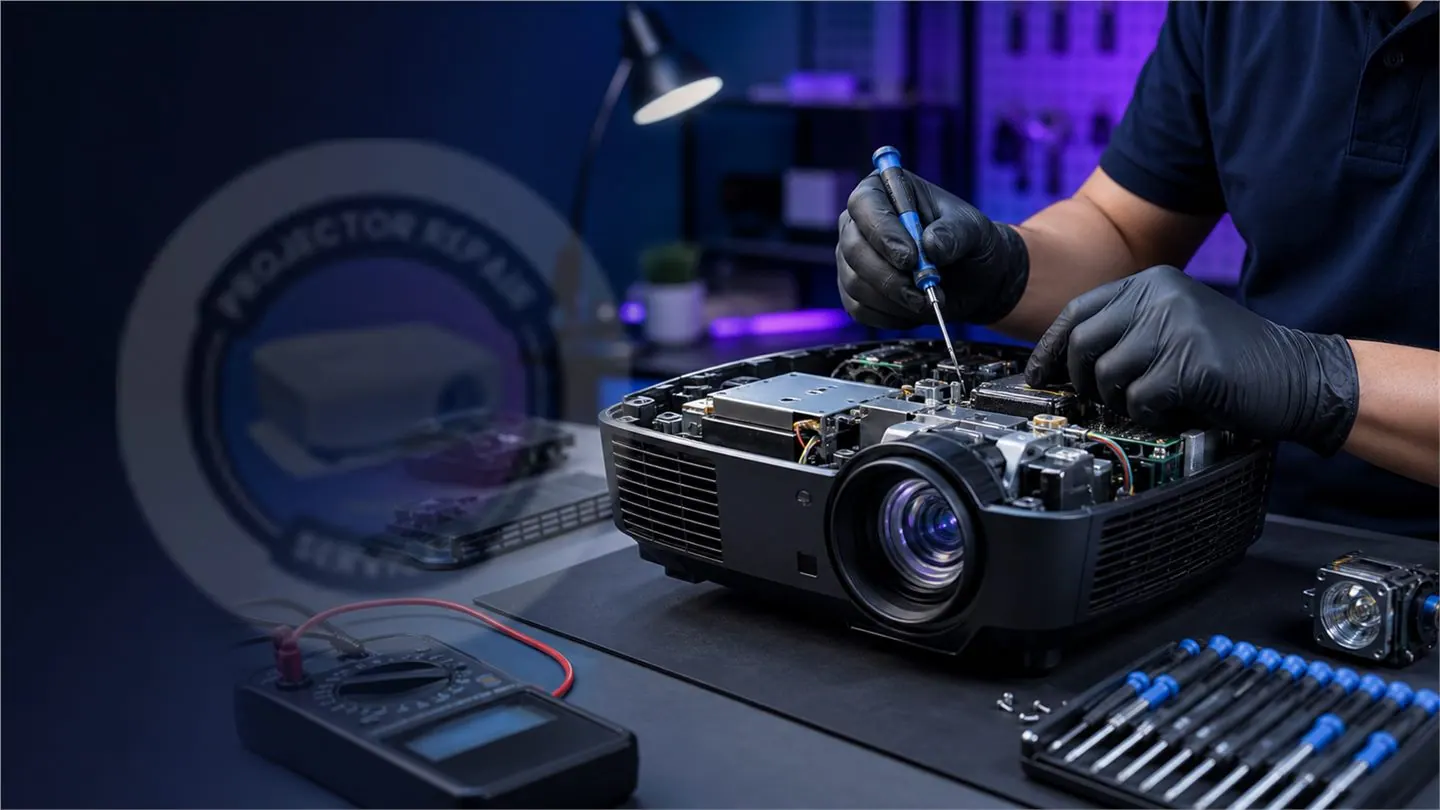
A projector no signal message usually comes from source selection, cable failure, HDMI/VGA port damage, laptop display settings, input board fault or mainboard signal-path failure.
Safe checks you can try
Try a few basic checks before assuming the projector is faulty.
- Select the correct HDMI, VGA or AV input
- Test with another HDMI cable
- Restart the laptop and projector
- Use Windows + P and select Duplicate
- Try another laptop or media player
Signs of a projector hardware fault
If multiple cables and devices fail, or the HDMI port is loose/broken, the issue may be inside the projector input board or mainboard.
Repair approach
We inspect the input port, signal board, HDMI handshake path and mainboard before recommending board repair or replacement.
Need help with this projector issue?
Call or WhatsApp Projector Repair Services by I-Tech Zone in Mapusa, Goa.
Related services
People also ask
Can HDMI ports be repaired?
Many damaged HDMI ports can be repaired or replaced if the board traces are intact.
Why does my projector show no signal only with laptop?
It may be laptop display settings, resolution incompatibility, cable quality or HDMI handshake issue.
Do you repair VGA and HDMI faults?
Yes. We diagnose HDMI, VGA and signal-board faults for supported projector models.