No power repair
Power board checks, fuse faults, surge damage, standby light issues, dead projectors and projectors that shut down immediately after startup.
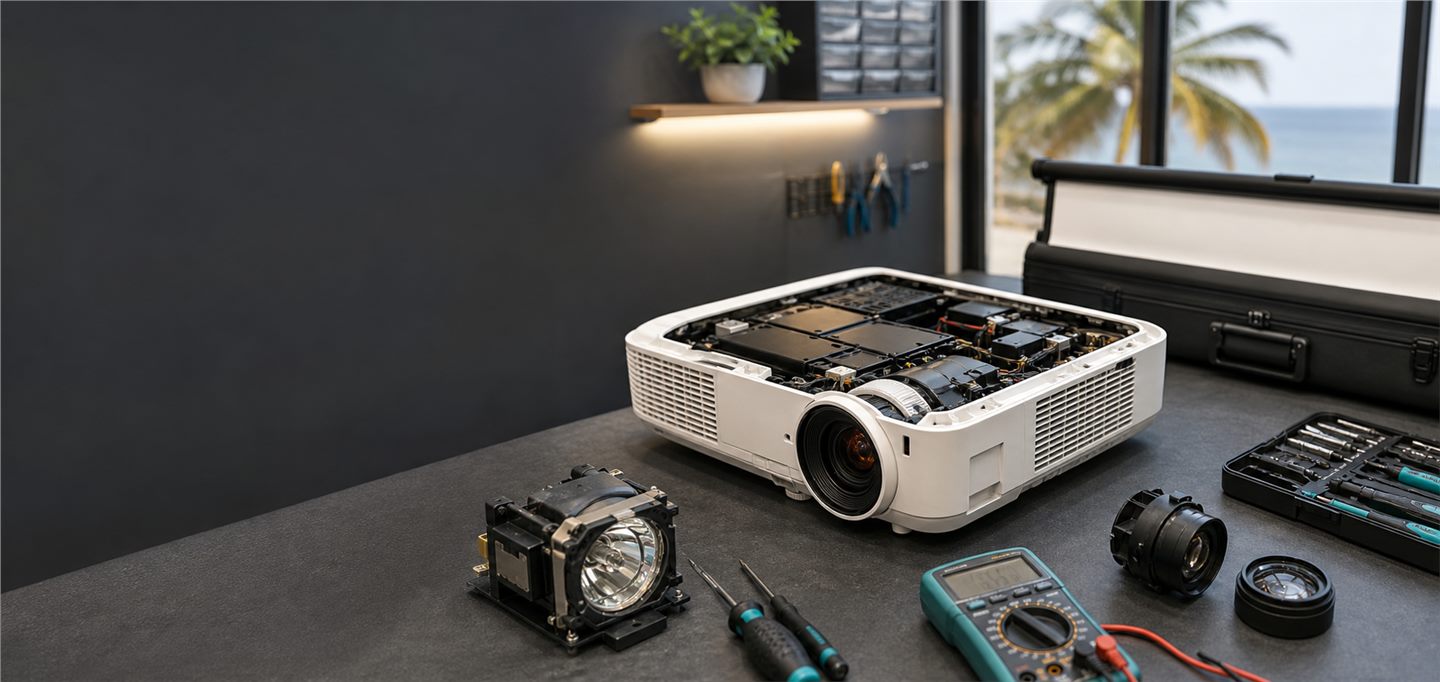
Projector service centre Goa
Multi-brand projector diagnosis and repair from Mapusa for homes, schools, colleges, offices, hotels, churches, training rooms and event venues across Goa.
Projector Repair Services handles portable projectors, classroom projectors, meeting room systems, wall-mounted projectors, ceiling-mounted projectors, large-room projection systems and event projector setups. The repair approach depends on the symptom, brand, model, age, part availability and how the projector is used.
We support diagnosis for common projector faults such as no power, lamp warning, dim image, DMD white dots, black dots, HDMI no signal, overheating, fan noise, blurry projection, color patches, optical dust, remote issues and projector shutdown. The aim is to identify the real cause before replacing parts.
Power board checks, fuse faults, surge damage, standby light issues, dead projectors and projectors that shut down immediately after startup.
Projector lamp replacement, lamp warning, dim projection, flicker, lamp hour reset guidance and light output diagnosis.
White dots, black dots, color patches, dark image, optical module cleaning and DMD chip replacement for supported projector models.
No signal, laptop display problems, input board checks, adapter issues, cable faults and source selection troubleshooting.
Fan replacement, blower service, filter cleaning, dust removal, temperature warning and automatic shutdown diagnosis.
Blurry image, dull color, focus problems, keystone setup, ceiling mount alignment and screen-size guidance.
We service many major projector brands depending on model and parts availability, including Epson, BenQ, Hitachi, Optoma, NEC, Vivitek, InFocus, Sony, Panasonic, Acer, Dell, Sharp, Sanyo, Eiki, Christie, Mitsubishi, Proxima, ViewSonic, LG and EGATE.
The brand and model number help identify lamp type, board layout, DMD compatibility, optical design and likely part availability.
No power, lamp warning, dots, no signal, fan noise, heat warning and blurry image each need a different repair path.
Some faults can be repaired at component level. Others may need parts replacement or practical advice if repair cost is not sensible.
After repair, the projector should be checked for startup, brightness, fan behavior, input signal, image quality and shutdown cooling.
Send a clear photo of the projector label, warning screen, projected image, cable setup and any blinking light pattern. If the projector is ceiling mounted, also send a photo of the installation and screen area.
Service enquiries are supported from Mapusa, Bardez, Panaji, Tiswadi, Porvorim, Calangute, Candolim, Margao, Salcete, Vasco, Mormugao, Ponda, Bicholim, Pernem, Sattari, Quepem, Sanguem, Canacona, Dharbandora and other major Goa areas.
Often yes, depending on the power board, main board, fuse, surge damage and part condition. Diagnosis is needed before confirming repair feasibility.
Yes. Lamp replacement, lamp warning, dim image and lamp hour reset guidance are supported for compatible models.
White dots are often linked to DMD chip faults in DLP projectors. Repair depends on model, chip compatibility and optical condition.
Yes. HDMI no signal may be a cable, adapter, laptop setting, source selection or input board issue.
Yes. Projector rental and screen rental enquiries are supported for meetings, training, events, schools, hotels and community programs.
Projector Repair Goa enquiries are handled best when the fault is described clearly. A projector that does not power on needs a different check from a projector that powers on but shows no image. A dim projector may need lamp replacement, cleaning or optical diagnosis. White dots, black dots and color patches may point to DMD or optical faults. HDMI no signal may be a cable, source setting, adapter, resolution mismatch or input board problem.
For projector rental and screen rental, the right setup depends on audience size, room brightness, screen distance and the source device. A small meeting room can often use a different setup from a hotel hall, classroom or church program. Sharing the venue photo before the booking helps avoid wrong screen size, weak brightness or cable surprises on the event day.
No power, lamp warning, dim image, overheating, fan noise, HDMI no signal, blurry image, white dots, black dots and shutdown faults should be described separately.
Send the projector label, warning screen, projected image, cable setup, ceiling mount and screen area. These photos make the first guidance more accurate.
Epson, BenQ, Optoma, Sony, Panasonic, NEC, Hitachi, Acer, Dell, ViewSonic, Eiki, Christie, Vivitek and other brands may need different parts and checks.
Dust, humidity, transport, unstable power and blocked ventilation can affect projector brightness, cooling and long-term reliability.
Call before visiting if the projector is installed, very large, needed urgently for an event, or showing an intermittent fault. For urgent programs, rental support may be more practical than waiting for parts. For older projectors, repair value should be compared with lamp cost, brightness requirement and future usage.