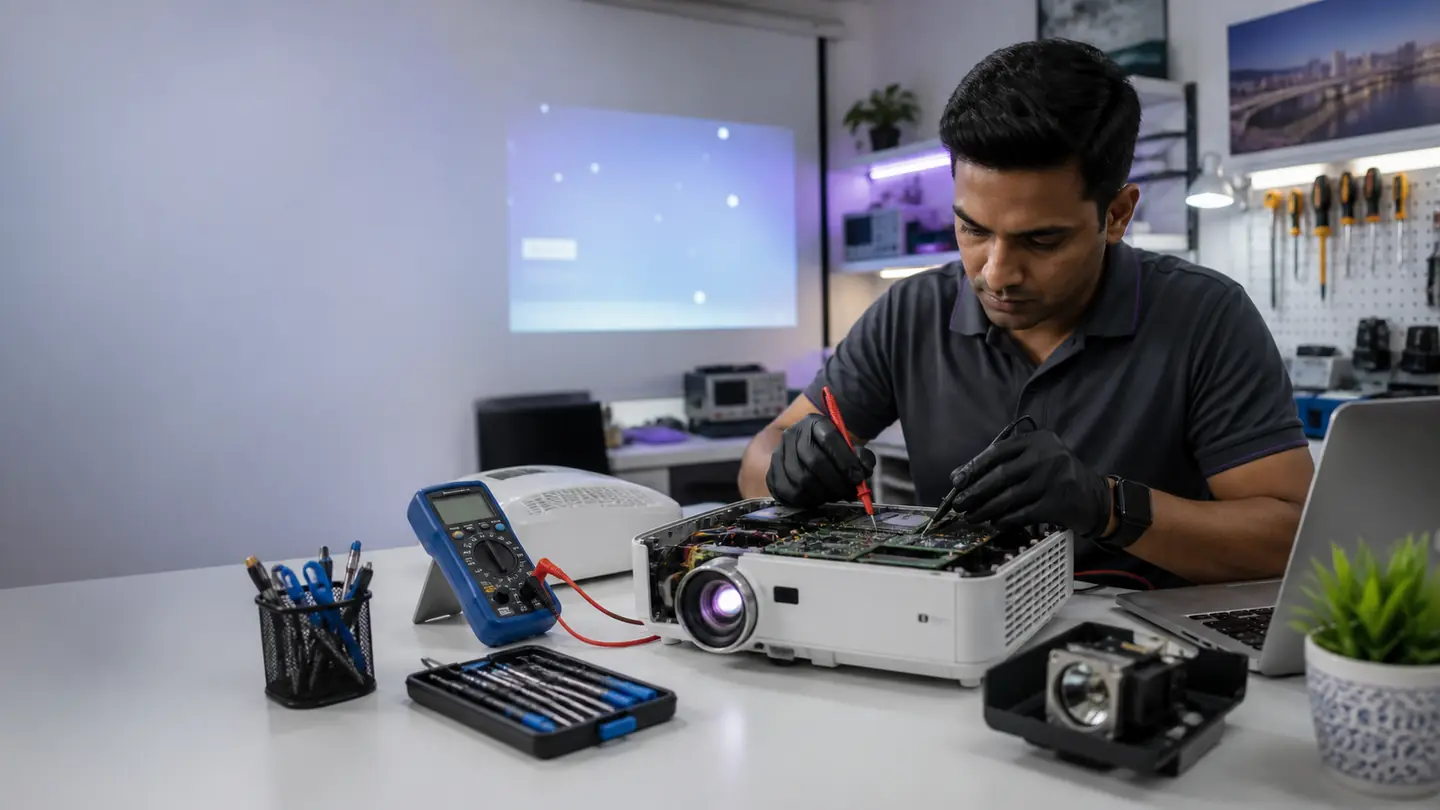
Technician diagnosing projector issues in Mapusa Goa for no power no signal lamp warning white dots and overheating repair
Troubleshooting Guide

Projector Troubleshooting Guide

Common projector issues, quick checks you can safely try, and when to call a repair technician.

Safety note: Always unplug your projector before attempting physical inspections.

Problem 1

Projector Won't Turn On or Has a Blinking Red Light

Quick DIY

Check power cables, let it cool down for 30 minutes if the TEMP light is blinking, and ensure the lamp cover door is tightly sealed.

Professional Fix

If it still fails, you likely have a failed power supply, shorted ballast, or mainboard failure. We perform chip-level diagnostics to fix this.

Problem 2

Image Has Dark Spots, White Dots, or Looks Sparkly

Quick DIY

Clean the outer lens. Disconnect HDMI and open the projector's built-in menu. If the spots are on the menu screen, it is a hardware issue.

Professional Fix

White or black dots usually mean a failing DMD chip. Yellow or brown marks can mean degraded polarizer filters. We replace both after diagnosis.

Problem 3

Projector Turns On (Fans Run) but There is No Image

Quick DIY

Ensure the physical lens shutter is open. Cycle through HDMI inputs to ensure you are not on a blank channel.

Professional Fix

A black screen can mean a burned-out lamp or failed igniter. A faint glow with no picture can mean mainboard or LCD failure. We stock common lamps and have micro-soldering equipment for dead boards.